



Sigma 35mm f1.4 canon
₦1,200,000.00

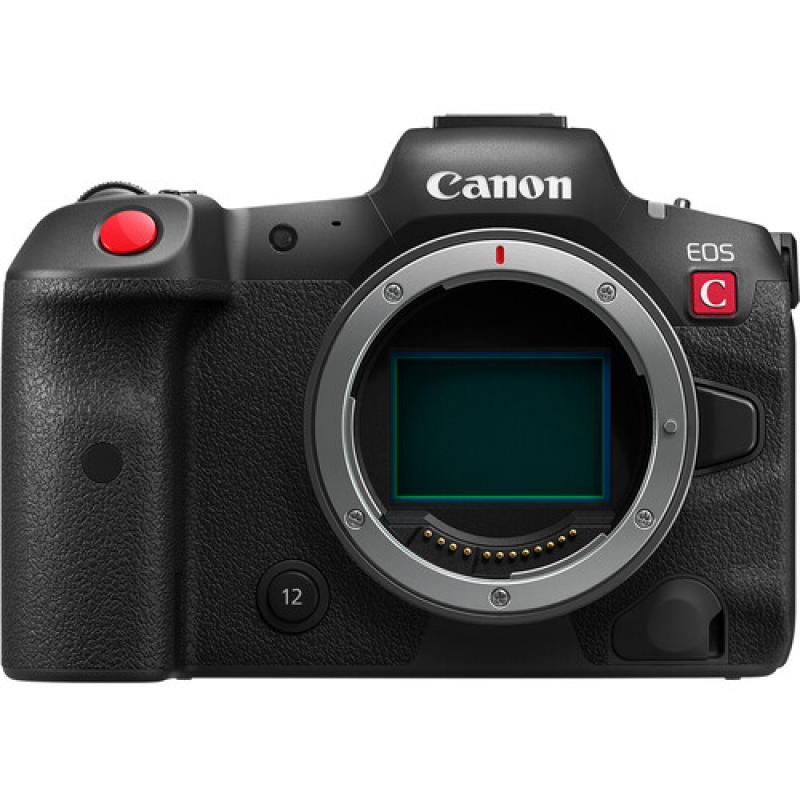
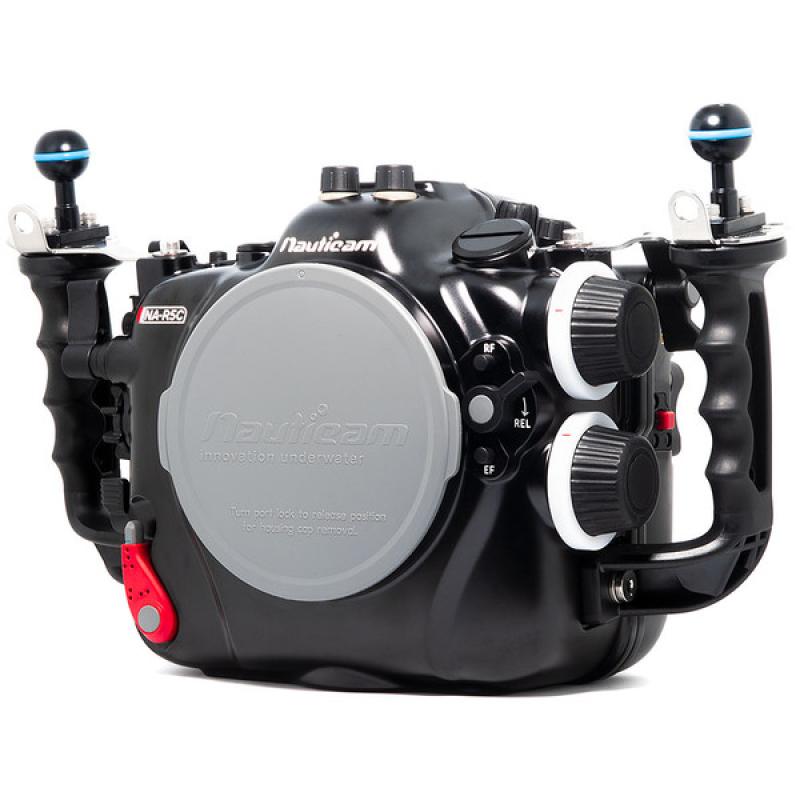
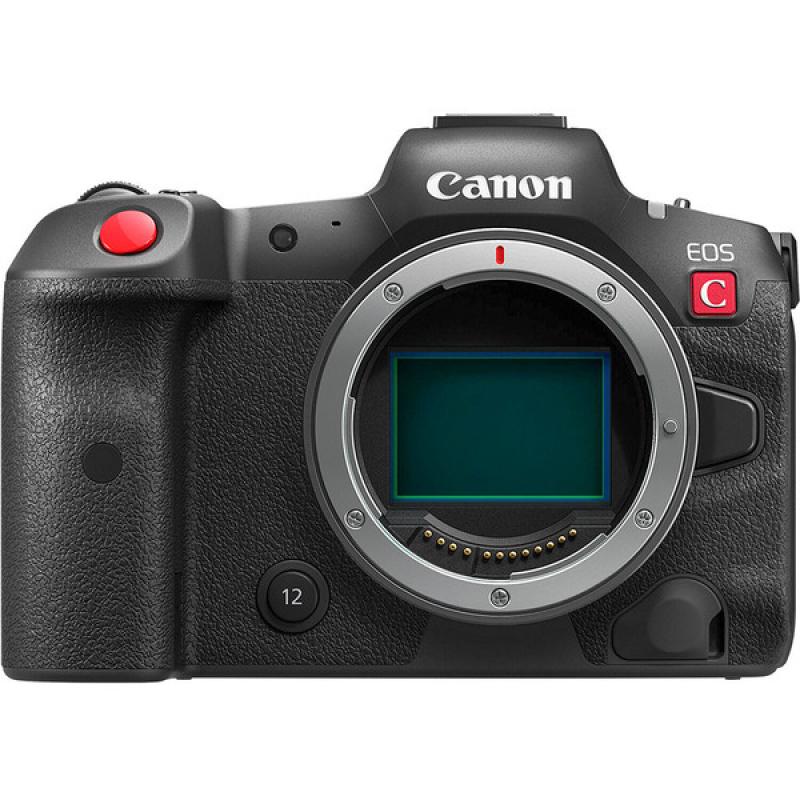
The Canon R5C Mirrorless Cinema Camera is a very welcoming sight for me! Having used the Canon R5 Mirrorless Camera off and on over the last two years, I'm pleased to say the overheating woes are a thing of the past. The new Canon R5C is a powerhouse, optimized for the video shooter. It feels like an old friend but with even better higher quality specifications coupled with the ability to have an external USB battery pack keeping the camera topped off at 100%, you'll have enough juice to get through a whole day of diving without having to change batteries. Additionally, the built-in fan management system kept the camera cool even under continuous 4K 120fps recording. I never saw the fan status get into the red. It displayed a calming green fan symbol the whole time. This is such a good thing! During the three dives that I got on this camera, I never experienced any overheating issues, and recorded almost exclusively in 4K 120FPS. There are a bunch of different recording options possible with this camera. Recording in 8K 60FPS is possible, as long as you have the external battery back plugged in and know what compression settings to choose. The user experience in the format / high frame rate menus leaves a little to be desired. The settings are all in there, but you have to choose the correct compression/format to then see what resolution and frame rates are available in each mode. (Not all resolutions and frame rates are possible in each compression/format) Not a deal breaker, but something to be aware of when learning the new camera, and something the Canon menu could tip you off to improve the user experience.
Besides the removal of the overheating issue, one of the most refreshing features added into this new Cinema version, is the "One Touch White Balance"! You no longer need to switch to Photo Mode, take a photo, and then switch back to Video Mode, Select Menu, choose set custom white balance, and then apply a custom white balance.
There's a perfectly positioned button on the left side of the housing, that once pressed, automatically updates the white balance based on what you are aimed at. This worked for me 99% of the time without needing to try it on a different target. A pleasant surprise that I discovered while using the Canon R5C underwater is that you can press the White Balance Button at any time! While recording, if you notice something isn't quite neutral, press the white balance button and it updates on the fly.
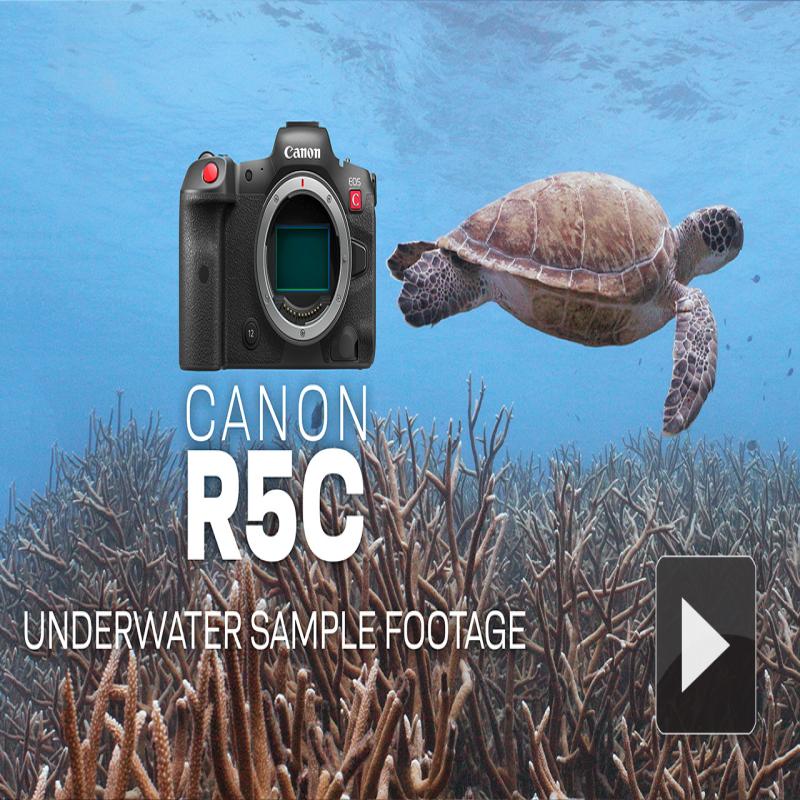
I filmed the above video primarily in 4K 120FPS using H.265 compression. The Canon R5C doesn't have IBIS, but I don't feel like that's a deal breaker for underwater cinematographers. We can keep things steady enough in the water with good buoyancy and intentional fluid camera moves using your fins. Custom white balances were taken along with using the Keldan AF 12B Cyan Filters and AF 6B Cyan Filters. I love the feel of the new Nauticam NA-R5C Housing. Nauticam keeps improving on their ergonomics. You can tell they're listening to their users and making enhancements with every new release.